Route audio between apps on your Mac.
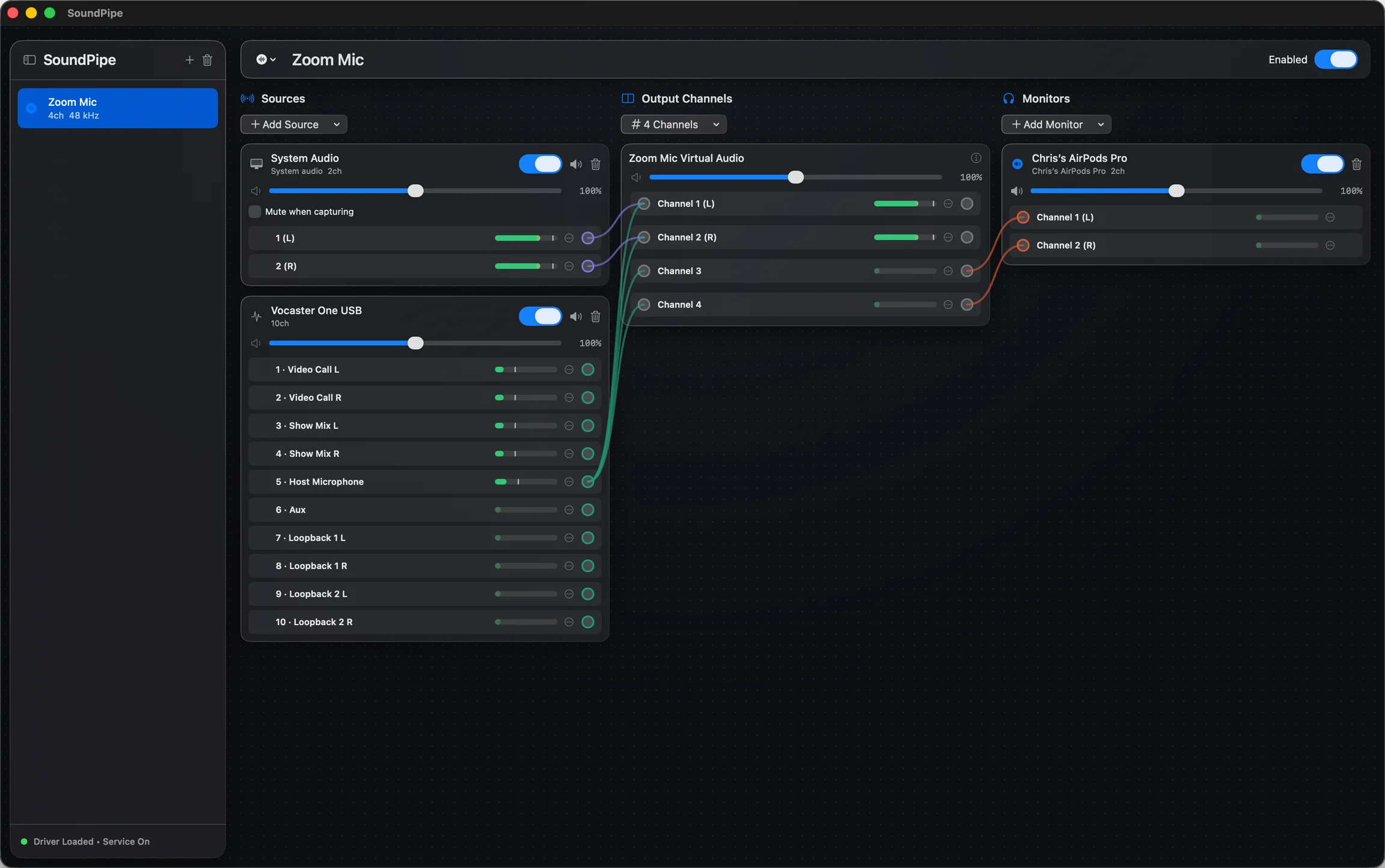
SoundPipe is a mixing board for your Mac. Create virtual audio devices that send sound from any app, microphone or input device to any other app or device.
Everything you need to move audio around
One small app replaces a pile of drivers, multi-output devices, and Audio MIDI Setup sessions.
Virtual audio devices
SoundPipe creates virtual input and output devices that show up system-wide, so any app that can pick an audio device can send sound to, or receive sound from, any other app.
Route anything to anything
Send app audio into a video call, pipe your microphone through a recorder, or feed system sound into a DAW or streaming app. Mix multiple sources into one device.
Wiring you can see
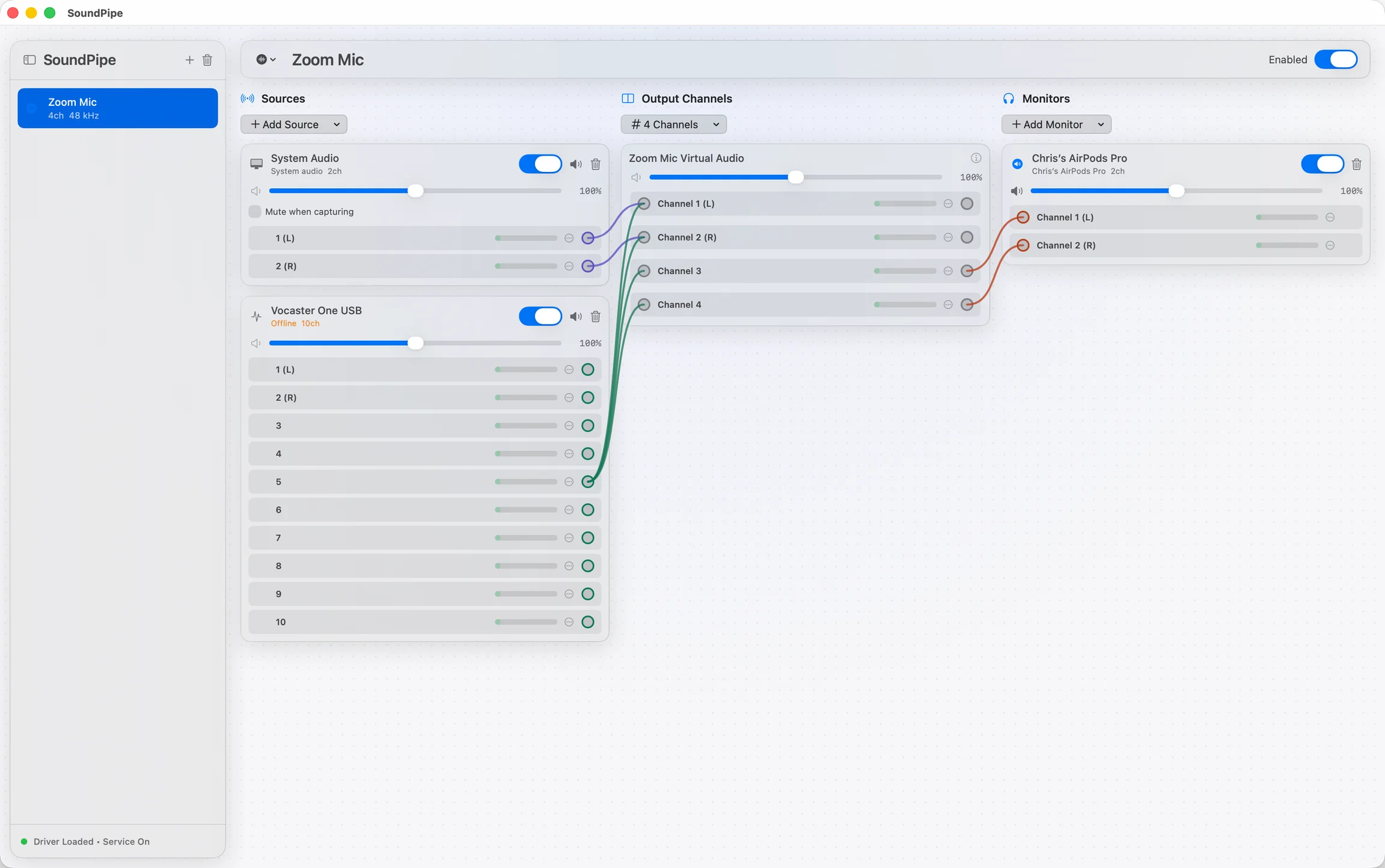
Every route is drawn as a wire from source to destination on one screen, with live meters and a volume slider on every channel. No guessing which device feeds which app.
Fast, native, no fuss
Under 15 ms of latency, works with any sample rate your devices support, and installs its audio driver with one click: no Terminal, no manual setup in Audio MIDI Setup.
$10, once.
No subscription, no account, no upsells.
$10
one-time purchase
- Use on up to 3 Macs at a time (move seats between Macs freely)
- All features included, nothing gated
- Try before you buy: free 20-minute trial sessions, restart as often as you like
Frequently asked questions
How does the free trial work?
What is the refund policy?
Which Macs and versions of macOS are supported?
How many Macs can I use one license on?
Is this a subscription?
Where do I find my license key?
How is this different from BlackHole, which is free?
Ready to route some audio?
Download SoundPipe, try it free, and pay $10 once if it sticks.