Trial and licensing
How the free trial works, what a license costs, how many Macs it covers, and what happens when you're offline.
The trial
The trial is the complete app — every feature, no account, no card. Each session, audio routes normally for 20 minutes; after that, a soft noise fades into everything SoundPipe routes until you start a fresh session. You can run as many sessions as you like, for as long as you need to decide.
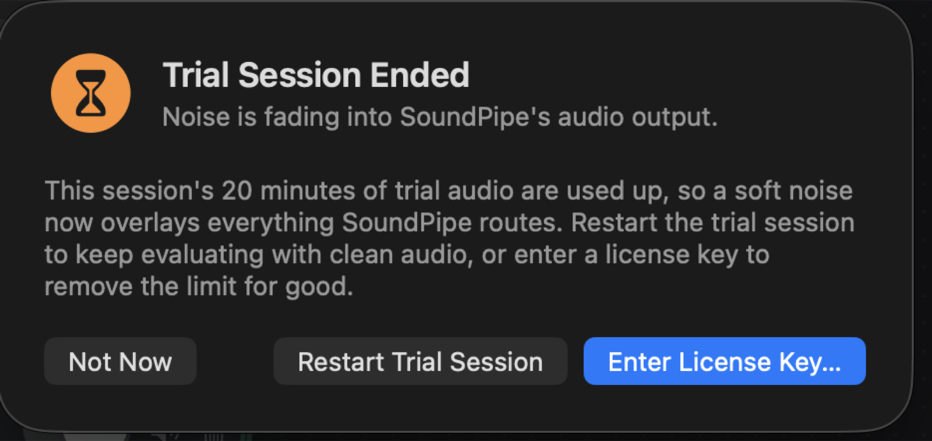
The Trial chip in the toolbar shows how much time is left in the current session. When a session ends, click Restart Trial Session — in the dialog above, or in the app's settings (⌘,) — to keep evaluating with clean audio.
Buying a license
A license is $10 once — no subscription. Buy it here; your license key is shown right after checkout and also arrives by email. Payments are handled by Polar, and the price is tax-inclusive.
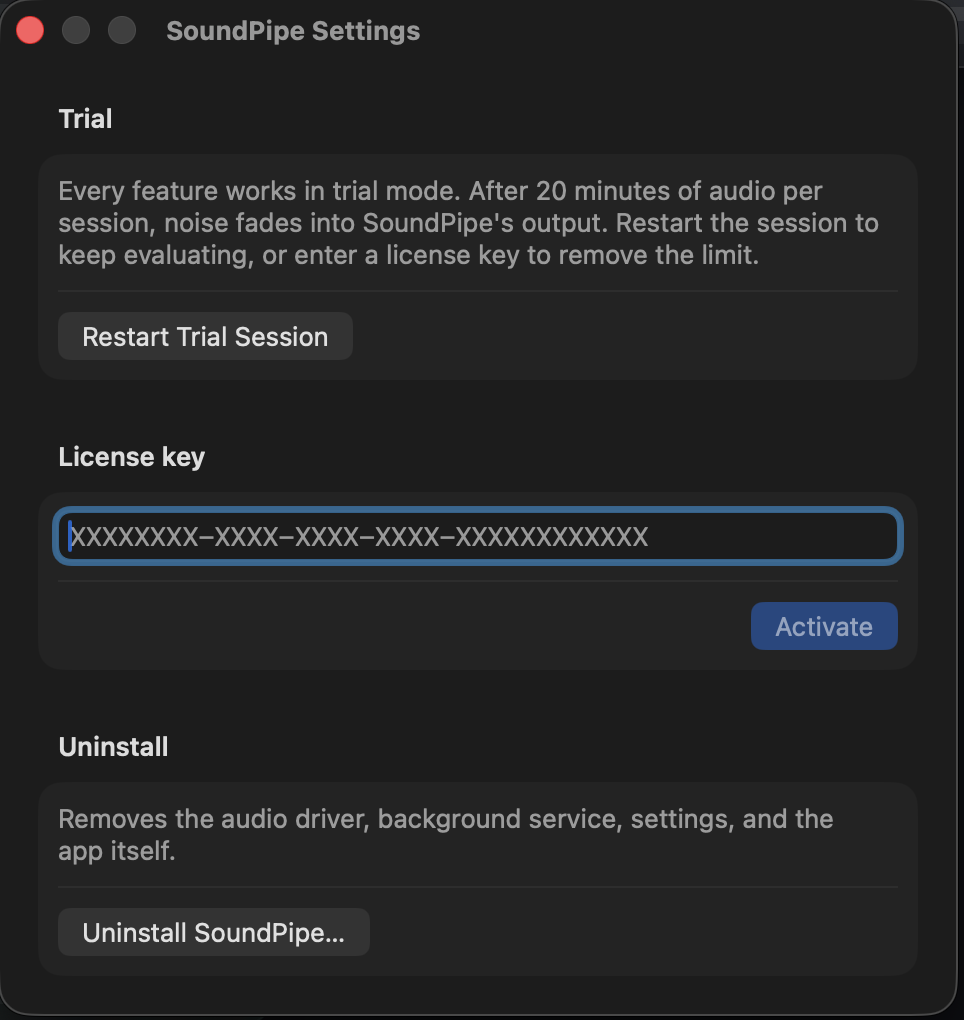
To activate, open the app's settings (⌘,), paste the key into the License key field, and click Activate. Routing switches to licensed mode on the spot — no restart needed.
Where do I find my license key?
Look for an email from polar.sh, our payment provider, sent to the address you purchased with. It contains your license key and a link to manage your purchase. The key is also shown on the confirmation page right after checkout. If you can't find the email, check your spam folder, then email [email protected] and we'll sort it out.
How many Macs?
One license covers 3 Macs at the same time. Deactivating the license on one Mac frees that seat for another.
Offline use
SoundPipe does not require an internet connection to run. An activated license keeps working offline for 30 days between checks; only an explicit rejection from the license server (for example, a refunded purchase) deactivates it. If your Mac has simply been offline a while, connecting again quietly refreshes the license.
Problems with a key?
Email [email protected] and include the email address you purchased with.